Maintenance windows
Maintenance windows let you tell Kuvasz about planned downtime in advance, so it pauses the affected checks and suppresses false alerts while you're doing scheduled work — a database migration, a deployment, a nightly backup job, or anything else that would otherwise trip your monitors.
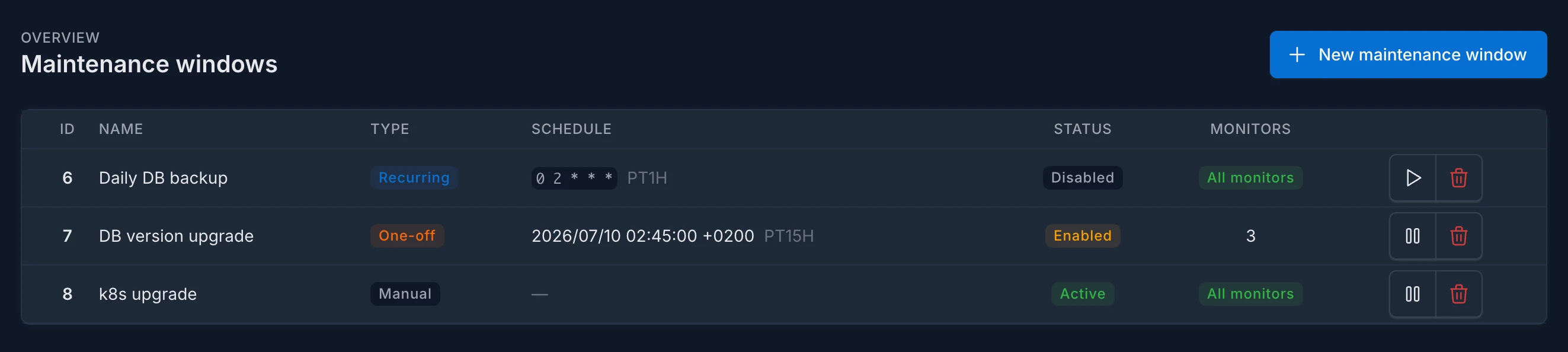
Instead of muting integrations by hand (and forgetting to unmute them), you describe when the maintenance happens, which monitors it affects, and who should be notified, and Kuvasz takes care of the rest.
What can be configured?
A maintenance window has a schedule, a scope, and an optional set of integrations to notify. There are three kinds of schedules:
- Manual: no schedule at all — the window is active for as long as you keep it enabled, and you toggle it on and off yourself. Useful for ad-hoc, open-ended maintenance when you don't know exactly how long it will take.
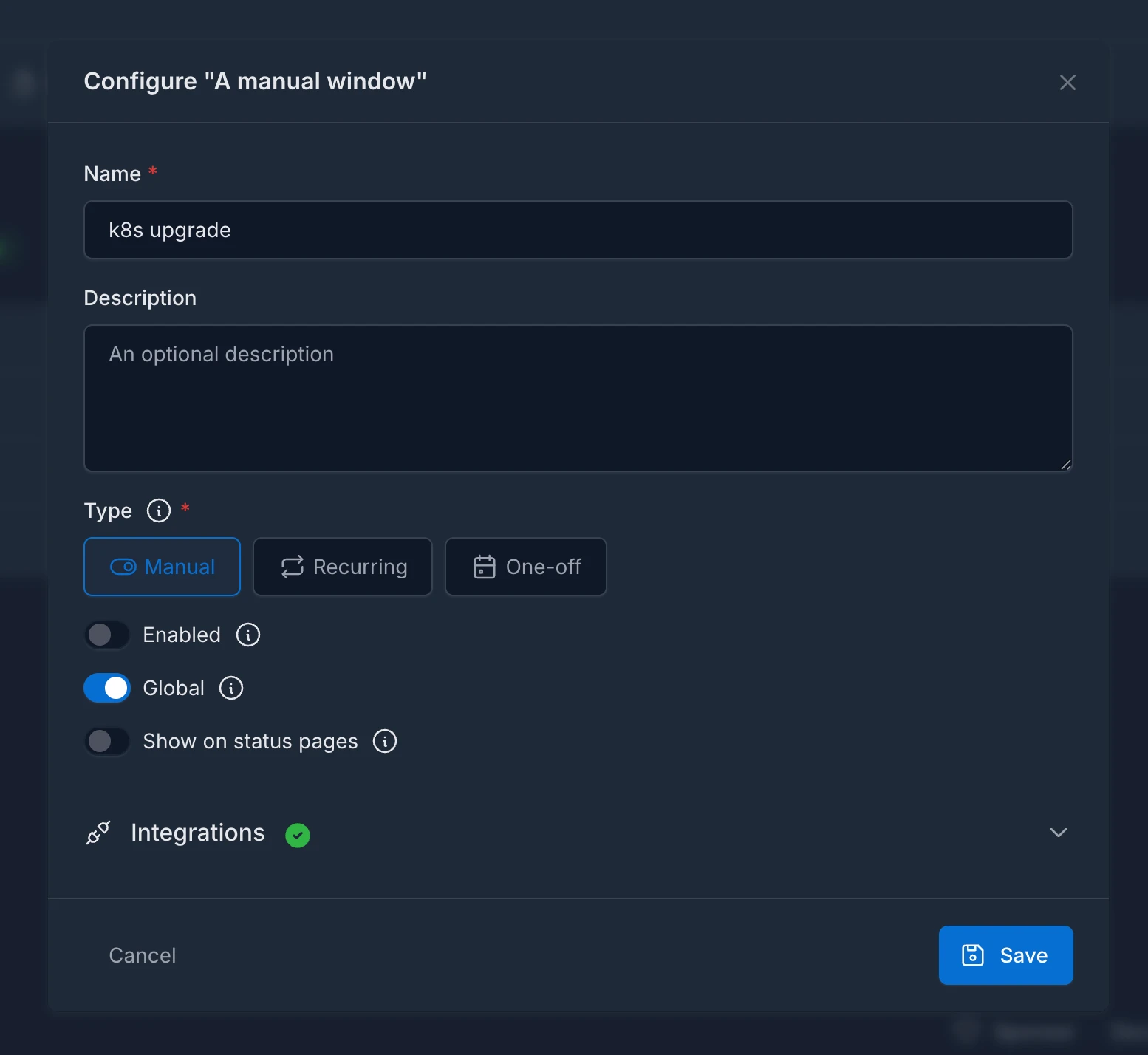
- Recurring: defined by a cron expression and a duration, e.g. "every night at 02:00 for 1 hour". Perfect for regularly scheduled tasks like nightly backups.
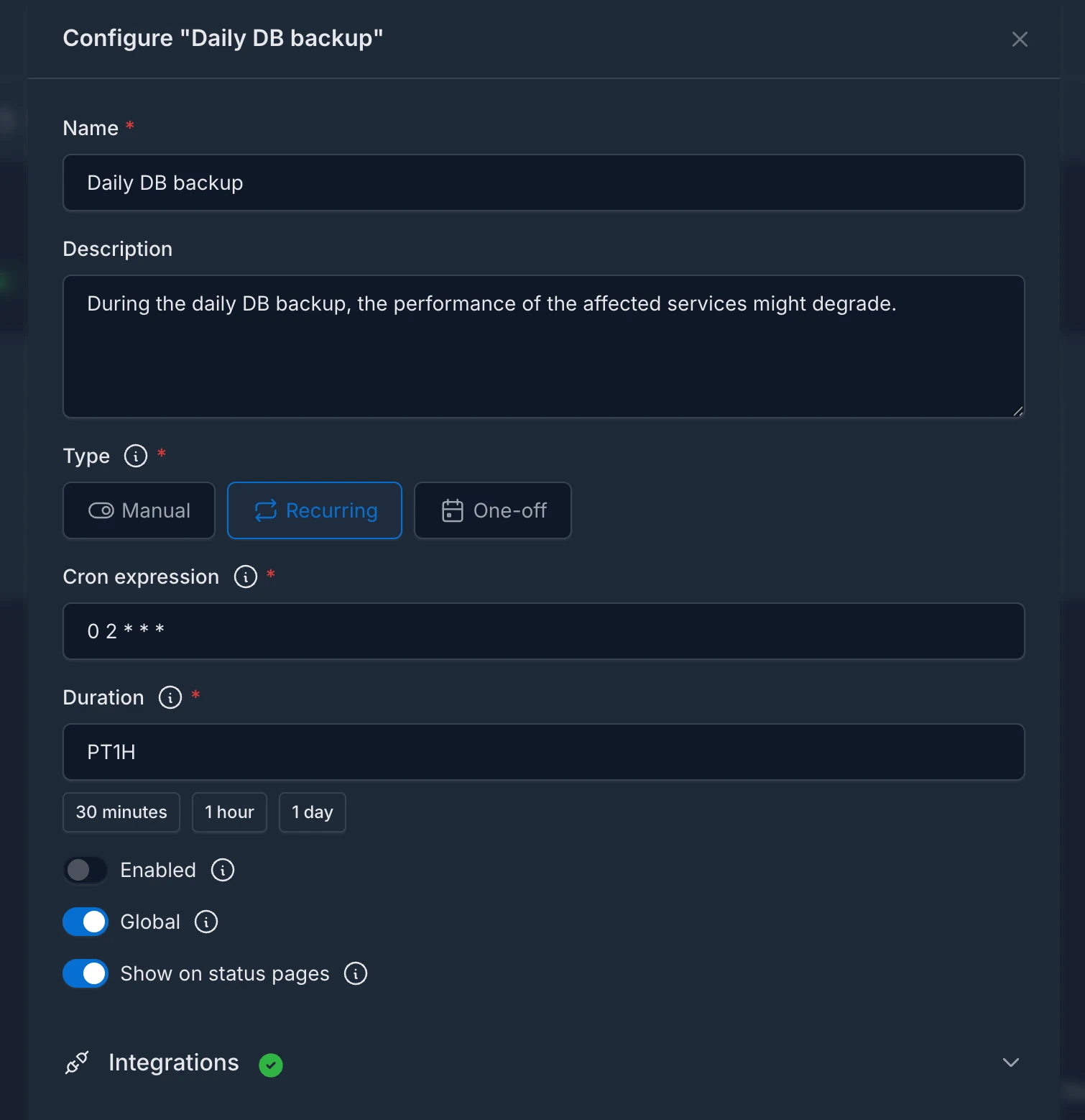
- One-off: defined by a start timestamp and a duration, e.g. "next Saturday at 22:00 for 2 hours". Ideal for a single planned event.
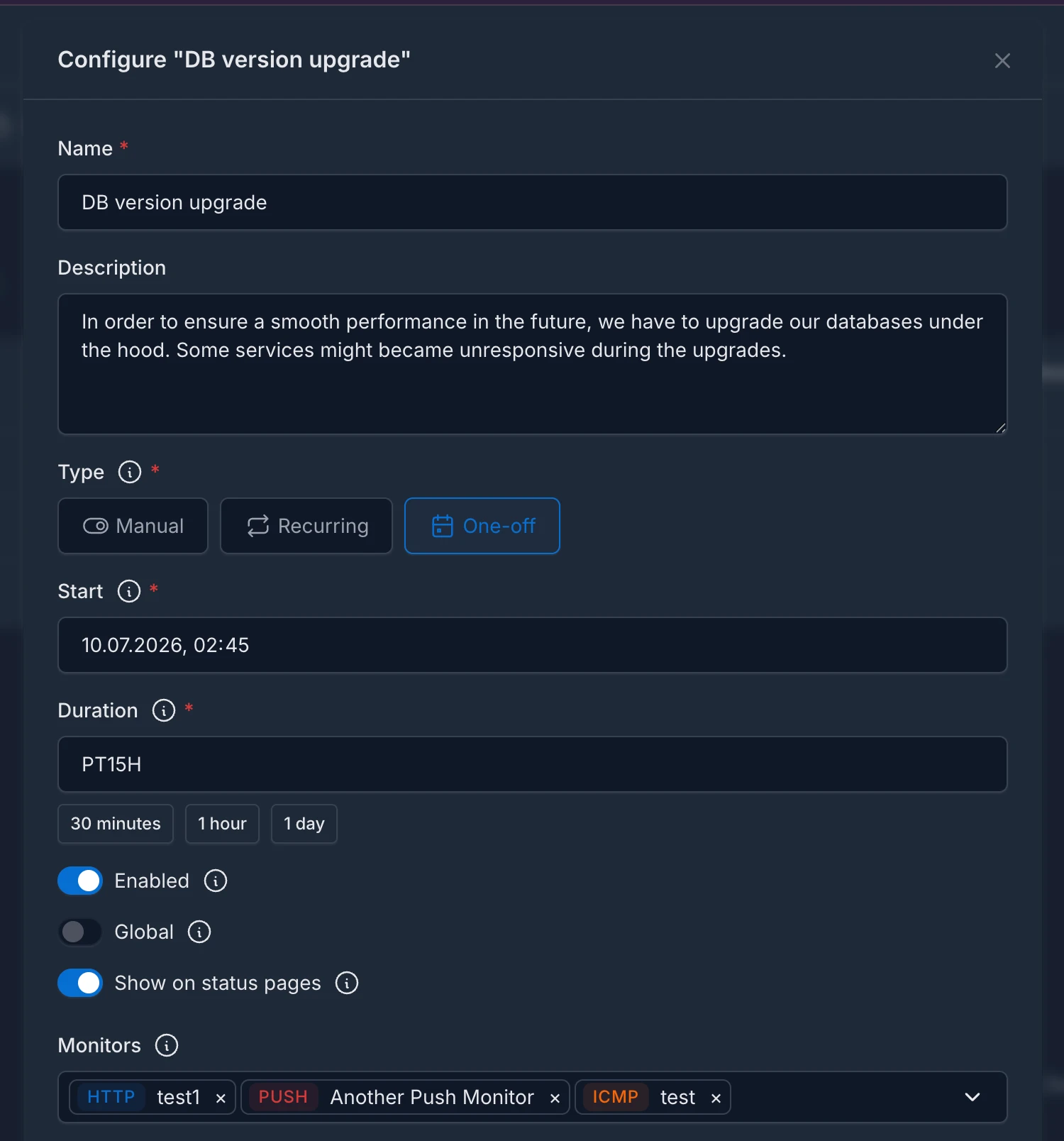
Regardless of the schedule, you can configure:
- Scope: a window can be global (it applies to every monitor), or scoped to a specific set of monitors, to whole monitor categories, or to both at once. Scoping by category means you can put a whole product into maintenance without listing its monitors, and the covered set follows your monitors as you re-tag them.
- Notified integrations: the integrations that should receive the window's start and end notifications.
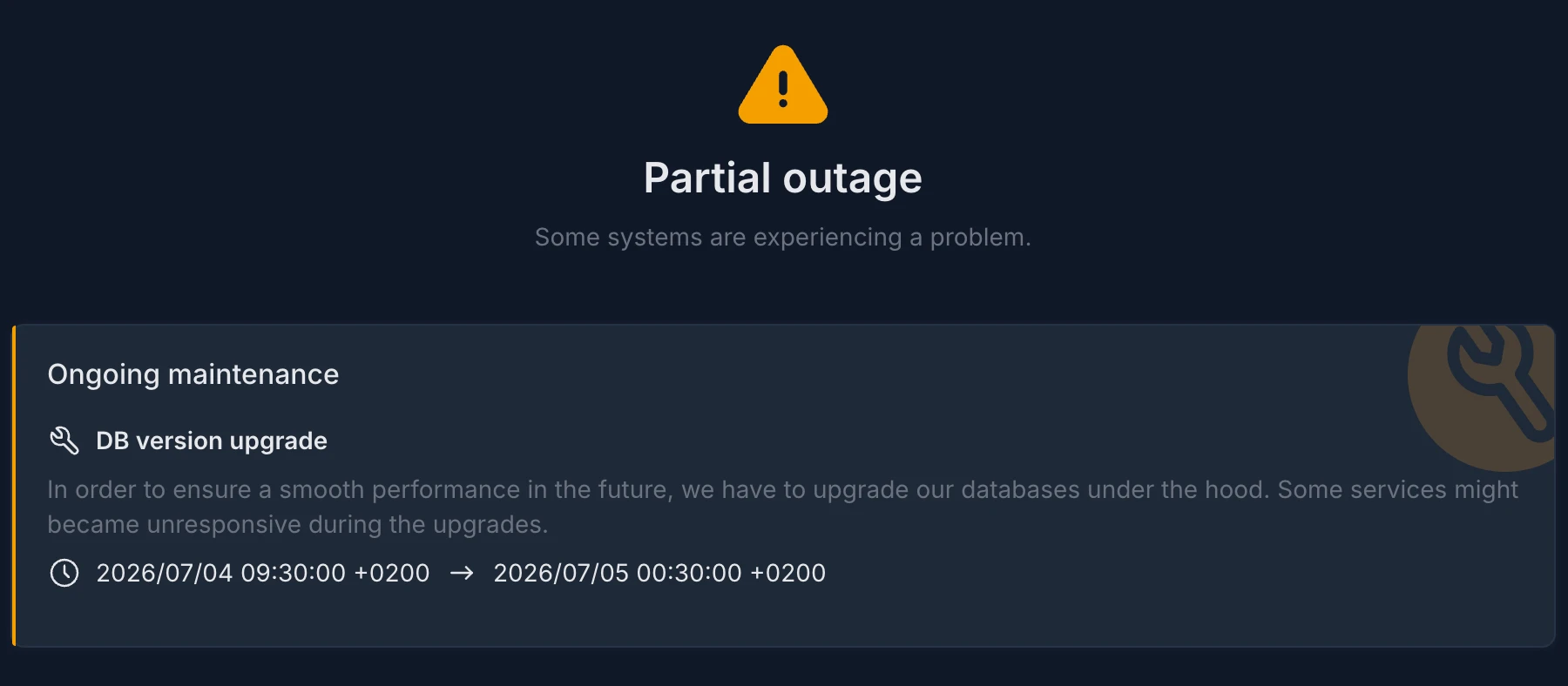
- Status page visibility: whether the window may be displayed on your status pages, so your users can see that a maintenance is active or coming up.
Tip
You can choose how you would like to manage your maintenance windows: via the Web UI, the REST API, or with a YAML configuration file. For more information, please refer to the Maintenance windows management section of the documentation.
What happens during a maintenance window?
While a maintenance window is active, for every monitor in its scope:
- Uptime checks are paused. HTTP, ICMP, TCP, and DNS checks are skipped entirely, SSL checks are postponed, and the scheduled heartbeat expiry check for push monitors is skipped. This means no false incidents and no false alerts are generated by the planned downtime.
- Start and end notifications are sent to the integrations explicitly assigned to the window. On PagerDuty, the start event triggers a
warningalert that is automatically resolved by the end event.
Maintenance notifications only go to explicitly assigned integrations
Unlike regular monitor events, maintenance start/end notifications are sent only to the integrations assigned to the window — globally-enabled integrations are intentionally ignored unless you assign them explicitly. See the Notifications documentation for the details.
Incoming push signals are never blocked
Maintenance only pauses the checks Kuvasz runs on its own. If a push (heartbeat) monitor actively reports its status (a heartbeat ping, or an explicit failure signal) during a maintenance window, that signal is still recorded and processed as usual, because muting an external client that is actively talking to you would be kind of weird.