Status pages
Status pages are one of the key features of a proper monitoring system. They help you communicate the status of your services to your customers or internal teams, and can also be used to display historical uptime and incident information.
An example status page
You can see a live demo of the publicly available, default status page created with Kuvasz at the demo site under https://demo.kuvasz-uptime.dev/status.
What can be configured?
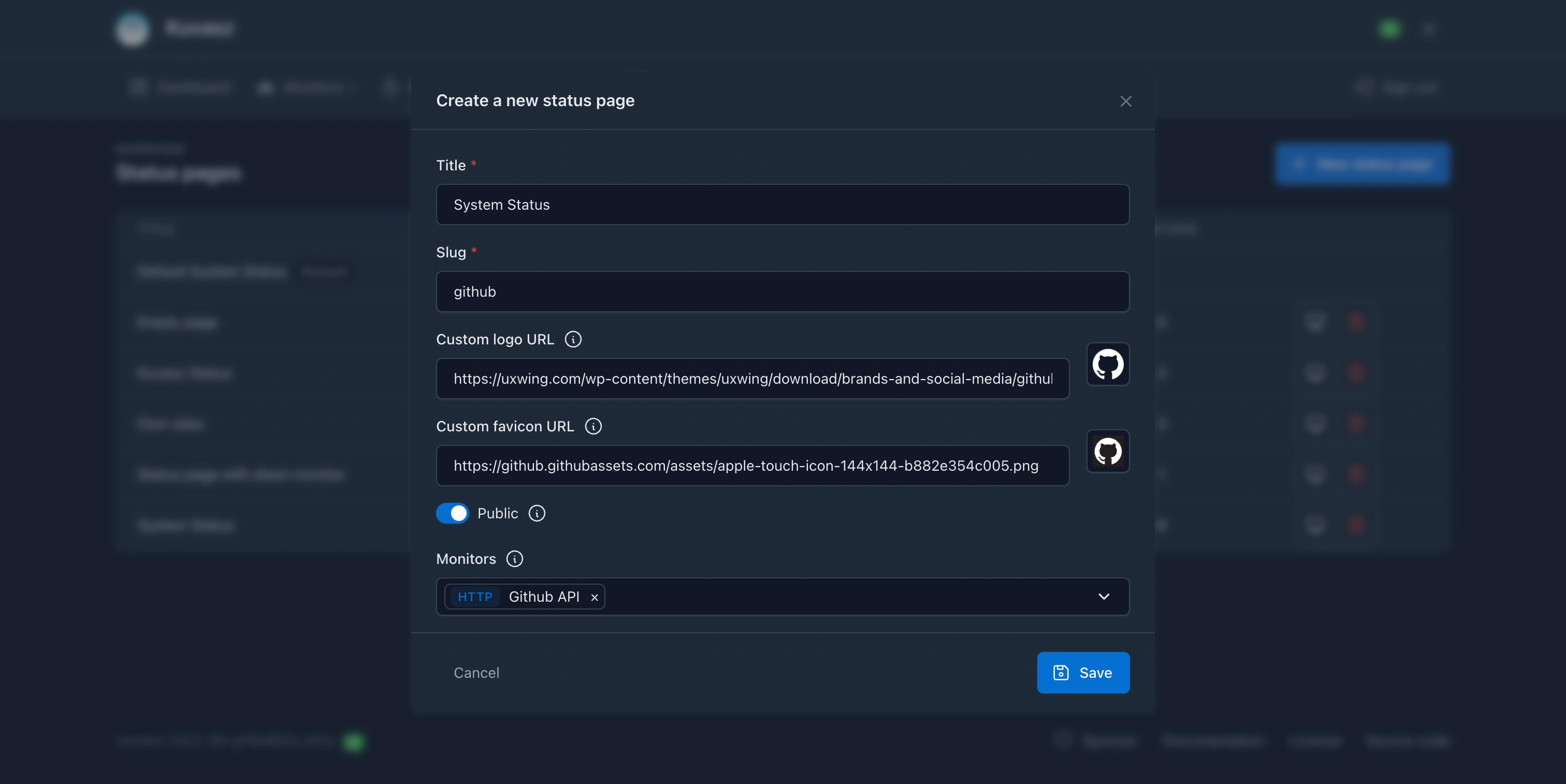
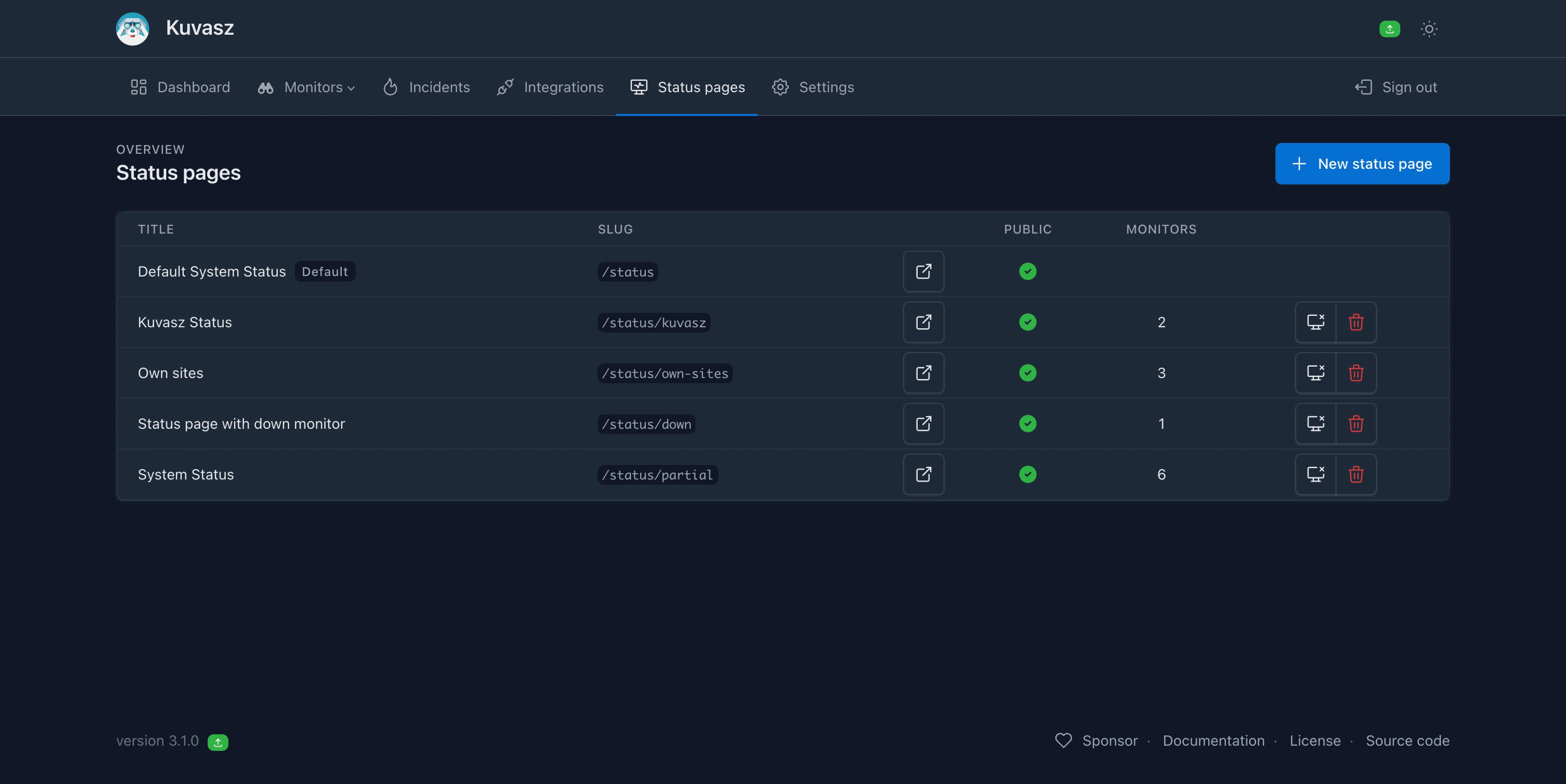
There are two types of status pages available: the default, built-in one, that contains every enabled monitors automatically (as long as you have 100 enabled monitors or fewer). The other type is a custom status page, which allows you to select the monitors you would like to display. Both types supports the following features:
- Public or private access: You can choose to make your status page public, or make it available only to authenticated users.
- Custom logo and favicon: You can reference your own logo and favicon to match your branding.
- Custom title and slug: You can set a custom title and URL for your status page.
- Historical statistics from the last 30 days (or less, if the event data retention is shorter than that):
- uptime percentage
- average response time (a.k.a. "latency") if recorded
- the incidents of every day, with their time span and the total downtime of the day. Only the latest 20 incidents of each monitor are listed, so a monitor that goes up and down all the time doesn't make the page too big. The number of incidents and the downtime still count every one of them, and the tooltip of a day lists its latest 5 incidents, then tells how many more there were.
- Public incident notes: the notes you mark as public are shown with their incidents, so your users can follow what's going on. Everything else about the incidents (e.g. the errors of the checks, the private notes, or the notified integrations) stays private. The incidents of SSL certificates are never shown on status pages.
- Server-side caching: To improve performance, status pages are cached on the server-side. You can configure the cache duration to balance between performance and data freshness.
- Monitor categories: If you assign a category to your monitors (e.g. a product or service name), the status page groups them into one section per category, each with its own aggregated status.
Tip
You can choose how would like to manage your status pages: via the Web UI, the REST API, or with a YAML configuration file. For more information, please refer to the Status pages management section of the documentation.